Cockpit
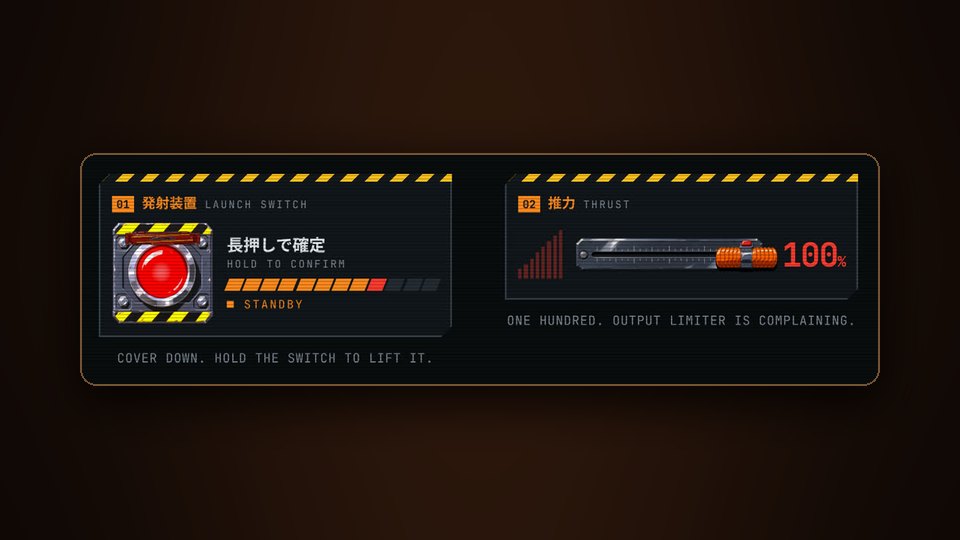
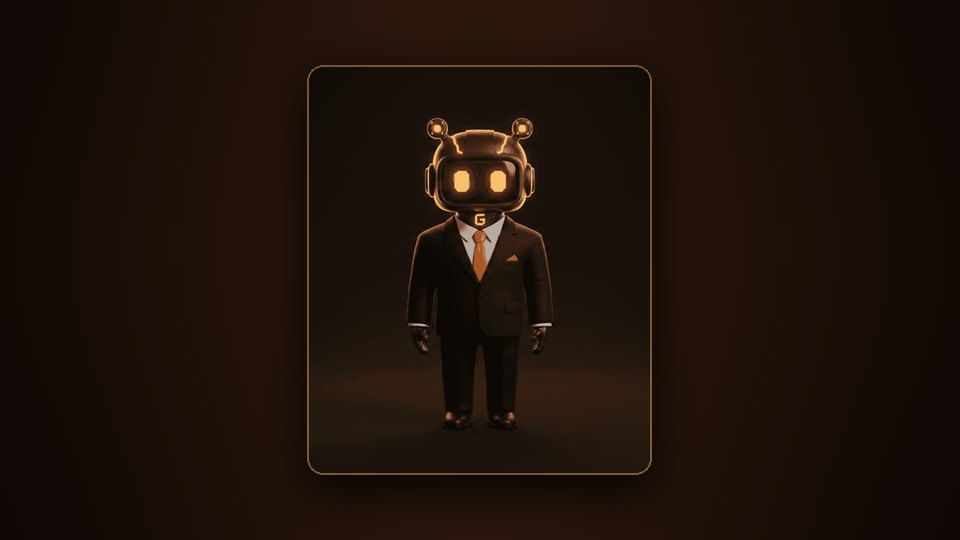
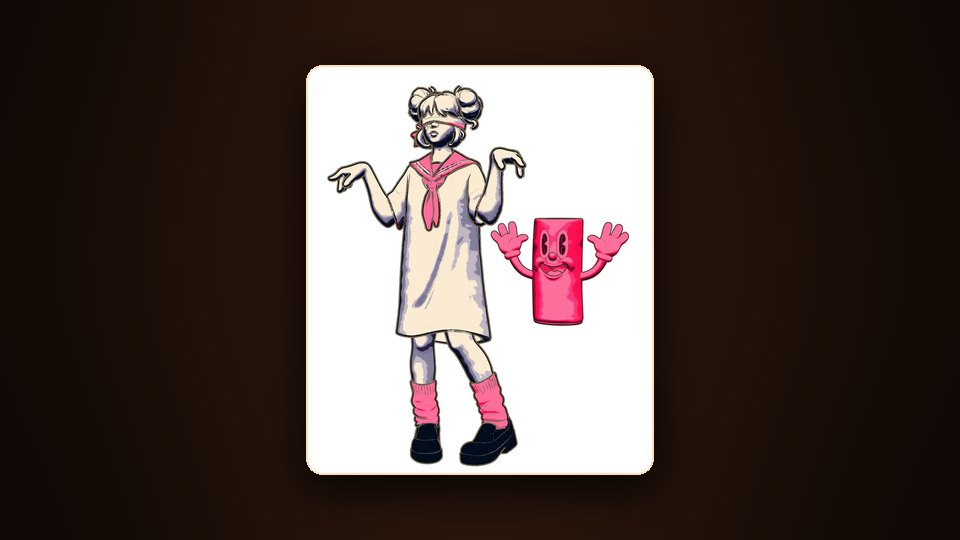
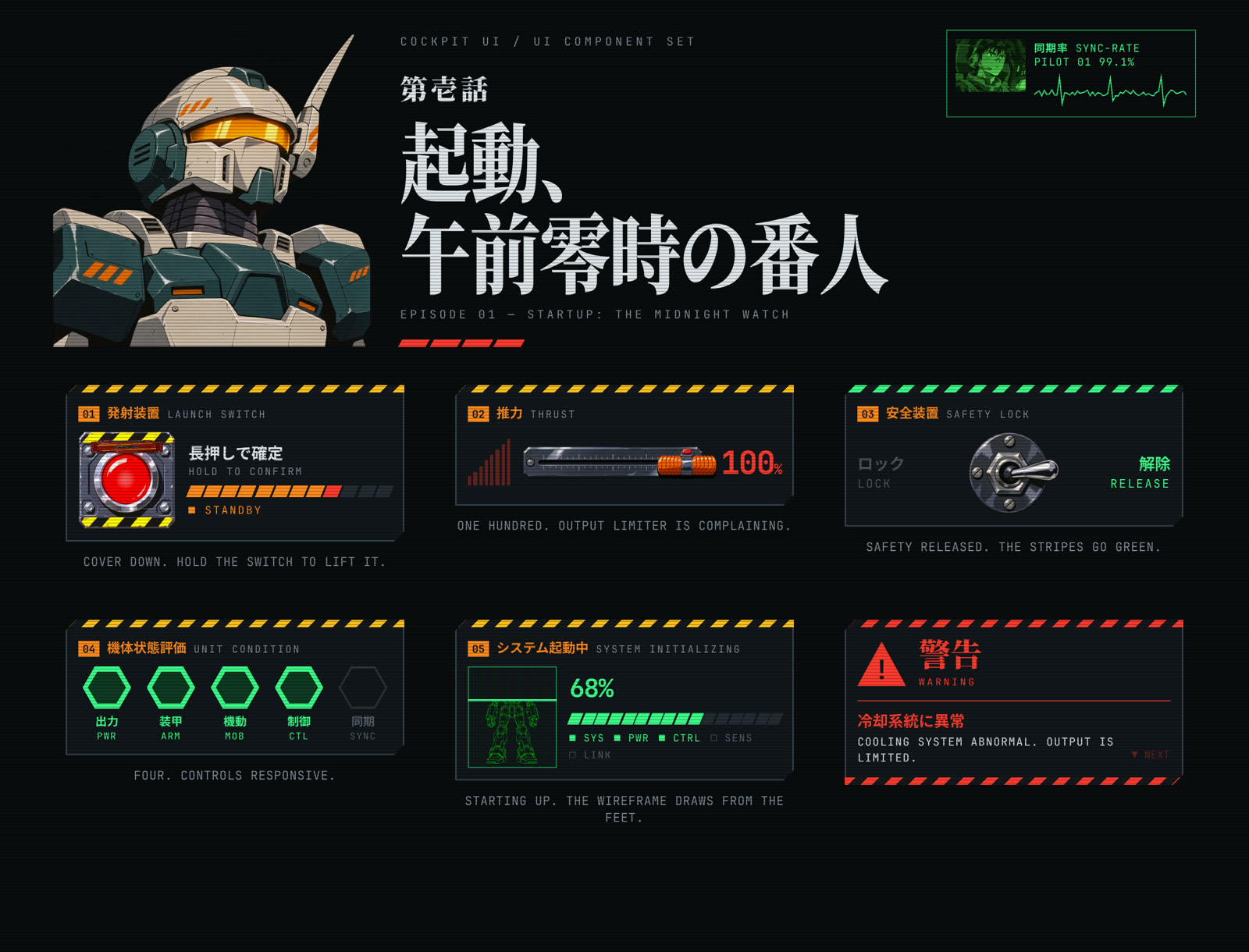
Cockpit UI is six ordinary controls as the cockpit of a 1990s giant-robot anime, under an episode title card. The slider is a throttle. The confirm button lives under a red guard cover. The robot, the pilot and the title are original designs and belong to no existing series. It is a local experiment, not a published library.
The six
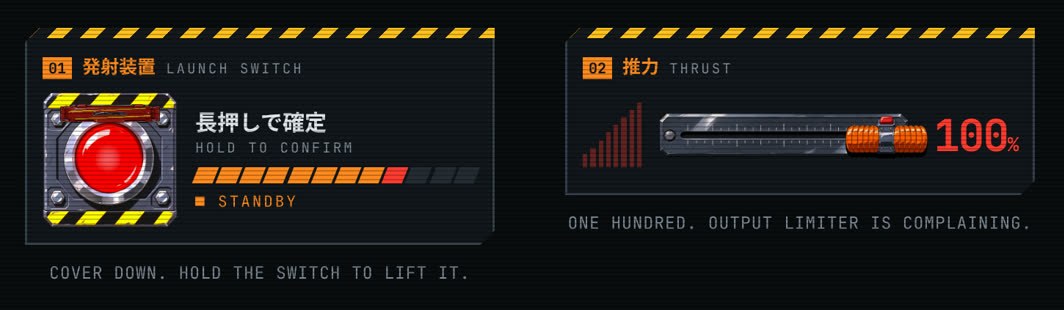
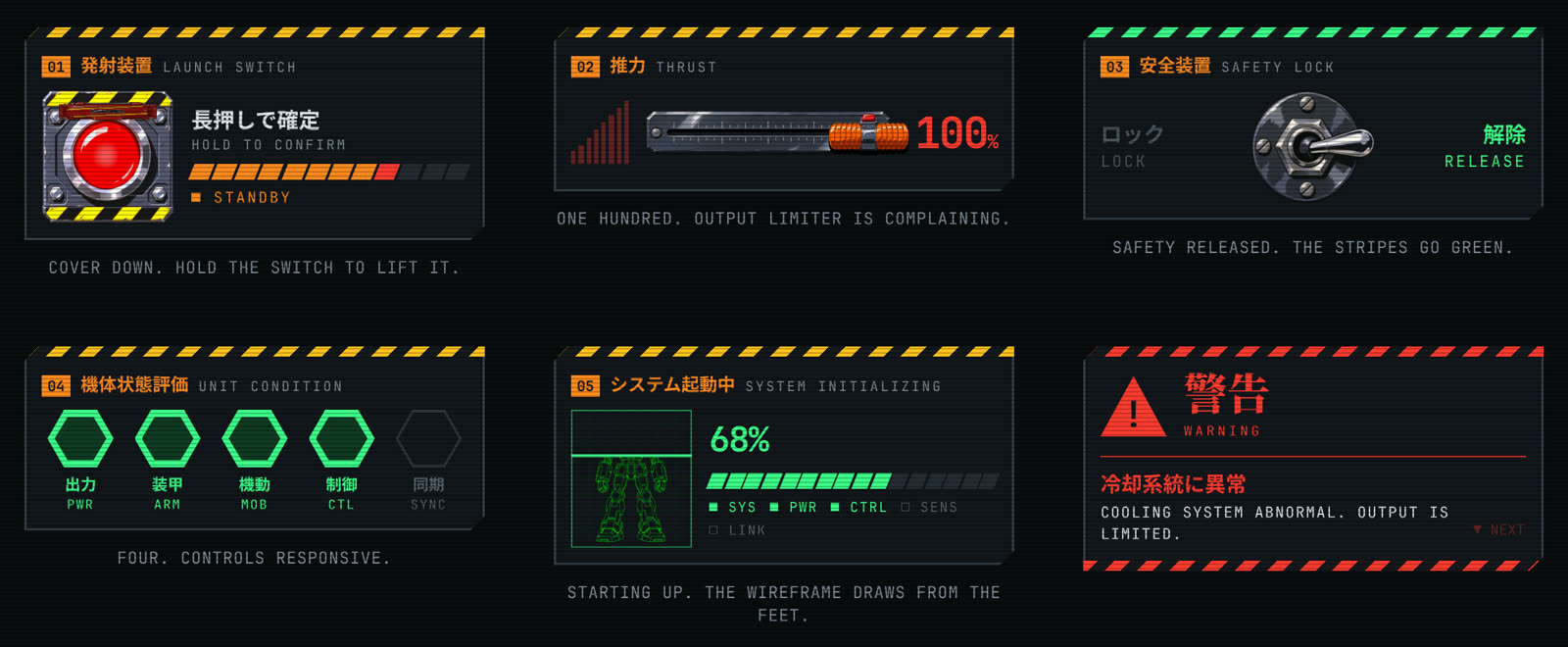
- Launch switch is hold to confirm. The cover lifts, the button pulses, and twelve segments fill from orange to red. Let go early and the cover drops.
- Thrust is a slider: a throttle handle in a slotted plate. At 100 the graph turns red and blinks.
- Safety lock is a bat-handle toggle between LOCK and RELEASE. Released, the hazard stripes turn green and crawl.
- Unit condition is a rating of five hexagon cells: power, armour, mobility, control, sync.
- System start is a loader. A green wireframe of the robot draws from the feet up behind a scan line.
- Alert is a notification. The Japanese headline appears at once and the English line types out.
What is drawn and what is painted
The displays are drawn by the page: panels, hazard stripes, segments, hexagons, the alert and the title-card type. The physical parts are painted layers made with AI image generation: the robot, its wireframe, the pilot, the button, its cover, the throttle plate and handle, and the toggle in two positions.
Under the paint these are still web controls. A native range input sits under the throttle. The motion is stepped on purpose, with values quantised to about twelve drawings a second. Reduced motion turns the animation off.
It is vanilla HTML, CSS and one JavaScript module, with no dependencies and no build.
- HTML
- CSS steps()
- Vanilla JS
- AI image generation
- Stepped animation